National ID Tracking via QR Code and TRN Philippines
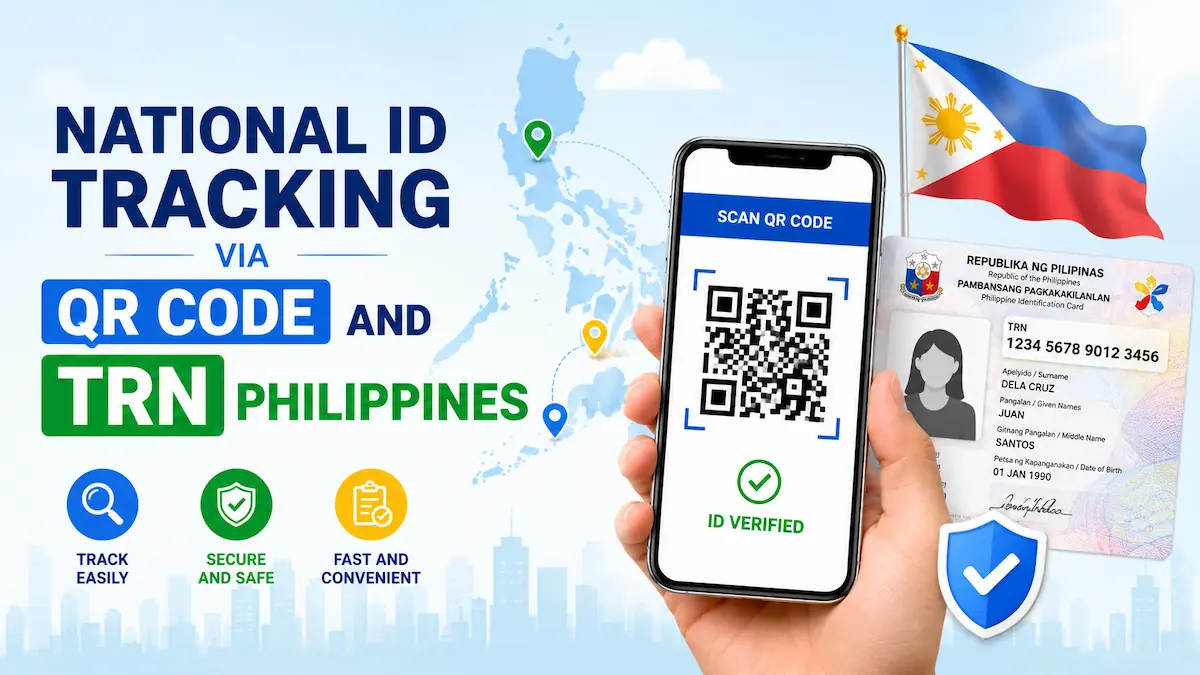
Philippine Statistics Authority provides an online system for the National ID Tracking QR Code on PhilSys website. Any Filipino resident with a paper PhilID or ePhilID i.e. Digital National ID, can verify their National ID online by scanning the QR Code.
The online facility for National ID Tracking via QR Code is free to use for all. You can access the Philippine Identification System Portal on your mobile and scan your National ID QR Code to check its authentication easily and instantly.
How to Track National ID Online
There are two main ways to track your National ID Online, here I provide both the methods.
- National ID Tracking via QR Code
- National ID Tracking via TRN (Transaction Reference Number)
Now I will explain both methods to help you in tracking your Philippine National ID Online using your mobile phone.
#Method 1: Philippine National ID Tracking via QR Code
The Philippine Statistics Authority provides the National ID Tracking QR Code Service on the Philippine Identification System website. Here I provide some simple steps that you can follow to track your National ID via QR Code using your mobile phone or tablet.
The National ID Tracking QR Code Service allows you to verify the authenticity of your Identity Card. You can check the authenticity of anyone’s National ID by scanning its QR Code on the PhilSys web portal.
- Go to Philippine Identification System web portal @verify.philsys.gov.ph.
- Select Click to Scan QR Code option.
- Allow permission to access Camera on your device.
- Scan the QR Code mentioned on your PhilID or ePhilID (Digital National ID).
- Cover all four edges in the camera frame to capture the QR Code properly.
- Once the scanning is successful, the following information will be shown on your screen.
Message: “PhilID/ePhilID has been Verified”
- Last Name:
- First Name:
- Middle Name:
- Suffix:
- Gender:
- Date of Birth:
- Place of Birth:
- PhilSys Card Number (PCN):
- Date of Issuance:
- Best Fingerprint:
#Method 2: National ID Tracking via TRN
When you apply for a New National ID (PhilID) or its Renewal/Replacement, a Transaction Reference Number (TRN) is generated upon registration. You can use the TRN to track your National ID on Philippine Post website.
In order to check your PhilID Delivery Status, you must log on to PHLPost website. Here I provide the steps for Philippine National ID Tracking via TRN as follows.
- Go to PHLPost Tracking website @tracking.phlpost.gov.ph.
- Enter the Transaction Reference Number (TRN) in the given box.
- Click on Track button to proceed.
- Your National ID Status will be tracked and shown on screen.
National ID Tracking Status Messages Meaning
When you track your National ID by TRN, it may return with one of the four status messages given below.
Under Process – It means that the PSA is processing your request but your National ID is not ready yet.
Dispatched from PSA – It means that the PSA has sent your National ID to concerned Post Office.
In Transit – It means that your National ID is in transit between several post offices.
Out for Delivery – It means that your National ID has reached the nearest post office and it will be delivered today.
Delivered/Received by – It means that your National ID has been delivered to your doorstep and is received by you or your family member.
Returned to Sender – It means that the post executive could not find your address, you need to visit your nearest PHLPost Office Branch to update your address and request to deliver your National ID at the updated address.
National ID Tracking without QR Code and TRN (Lost/Missing TRN)
If you don’t have your National ID and you also don’t have a TRN, you can still track your National ID by using other ways. It may require more efforts but you will be able to track your National ID Status, further details are given below.
- Locate a PhilSys Registration Center Near Me: Click Here
- Visit your nearest registration center.
- Go to service desk and provide your Government ID (any valid ID).
- Ask the service executive to find your TRN in PhilSys/PSA Database.
- Soon the executive will find and tell you the TRN.
- You can use your TRN (Transaction Reference Number) for your National ID Tracking Online.
For any query or more information, you can contact PhilSys Hotline/Helpline Number 1388 or send an email to info@philsys.gov.ph.
Why is My National ID Delivery Delayed?
The National ID is dispatched by PSA and it is delivered by PHLPost. The generation of your National ID and its delivery process may take minimum 2 weeks and maximum 6 weeks. The process time varies based on your registered address location.
If your National ID is dispatched for more than 2 weeks and you can’t track its status at PHLPost Portal then you need to take necessary action. Here I suggest some steps that you should take to fix your National ID Tracking related issue.
- Visit your nearest PHLPost Office to inquire about your National ID.
- If post office can’t fix the issue, visit your nearest PhilSys Registration Center to raise a complaint.
- Call up PhilSys Support Helpline 1388 or send an email to info@philsys.gov.ph.
- Get eGOVPH App and try to download your ePhilID i.e. Digital National ID on your mobile phone.
National ID Tracking Status Not Found
The National ID Tracking by TRN Online is available at PHLPost Website. You need to enter your Transaction Reference Number and your National ID Status will show up on screen. If you see a message “Not Found” then there is some problem, let me explain the possible solutions.
[I] Incorrect TRN
You must check the TRN (Transaction Reference Number) that you entered. If the TRN is incorrect, the National ID Tracking Status may show up as “Not Found”. So, correct the TRN and try again.
[II] Technical Glitch or Poor Internet
It is possible that there is a technical glitch on PHLPost website or you have a poor internet connection. In this case, you should use a stable internet connection and try using another browser or change the device.
[III] TRN Not Updated in PHLPost Database
If your National ID Tracking Status shows as Not Found, it is possible that the TRN is not updated in PHLPost Database. So, you should wait for 24 hours and then try to track your National ID again.
If none of these methods work for you, it is better to visit your nearest PhilSys Registration Center or PHLPost Office/Branch to resolve the issue.
Wrapping Up:
The National ID Tracking via QR Code allows you to verify the authenticity of anyone’s National ID i.e. PhilID or ePhilID. On the other hand, the National ID Tracking via TRN allows you to track status of your National ID to know when it will be delivered to your doorstep.
The National ID Tracking Process is very easy that I have explained above to help you. In case you have more queries or questions, you can ask your question in the comment section below.