LTO Tracker Not Working | A Quick Fix
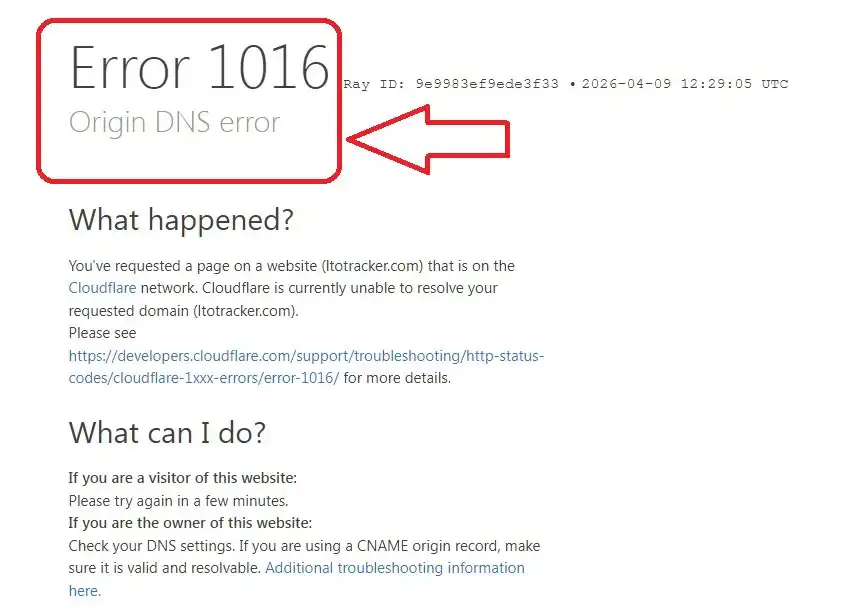
The LTO Tracker is a very useful tool to check the vehicle plate status and driver’s license. The Land Transportation Office launched LTO Tracker Portal to provide online tracking service. Initially, it was working well, but now the LTO Tracker is Not Working which makes it frustrating for the users/applicants.
The issue of LTO Tracker Not Working may occur because of system outage, poor internet connection, outdated browser and website server down.
How to Access LTO Tracker
There is one simple way to access LTO Tracker is its website. You can access the LTO Tracker Online Tool on its website at www.ltotracker.com. If the website is working, it will show up on your screen. If the website is under maintenance, it will show an error message.
What LTO Says About LTO Tracker Not Working
As per my knowledge, the Land Transportation Office has announced an important message about LTO Tracker Not Working in October 2025. The LTO mentioned it as “LTO Tracker is currently unavailable due to a system outage.”
Every time I try to access LTO Tracker website on my phone or computer, it shows up an error message given as under:
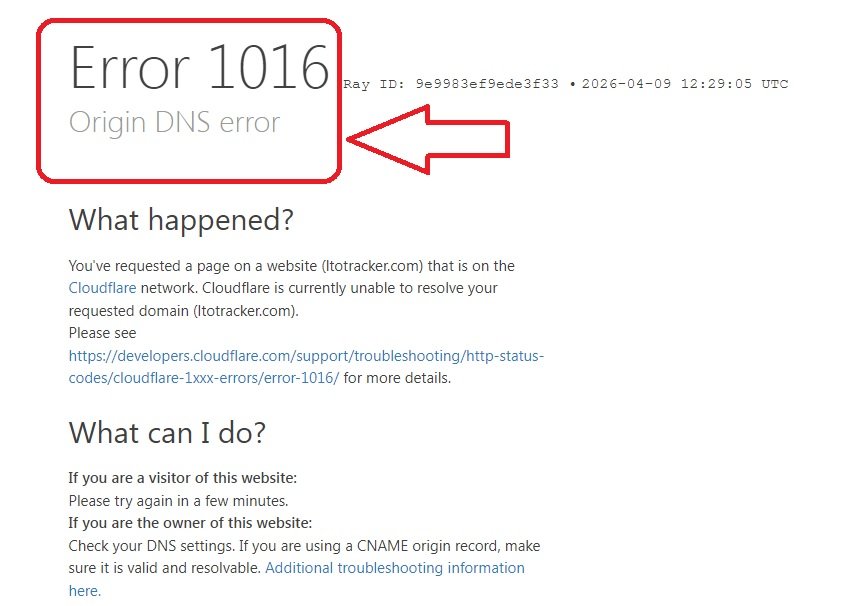
The LTO said, “Our technical team is addressing the issue to restore the service as soon as possible.” It has been six months and the LTO Tracker is still not working (As of April 2026). So, it is hard to believe that the technical team is still working to fix the issue but it is the only update I have and that’s why I shared it with you.
Alternatives of LTO Tracker Not Working
You have tried all the solutions still the LTO Tracker is not working and you feel frustrated. Now you should stop trying to fix the issue and shift your focus on the Alternatives of LTO Tracker that can actually help you track your vehicle plates status.
[01] Use LTO-NCR Plate Inquiry Portal
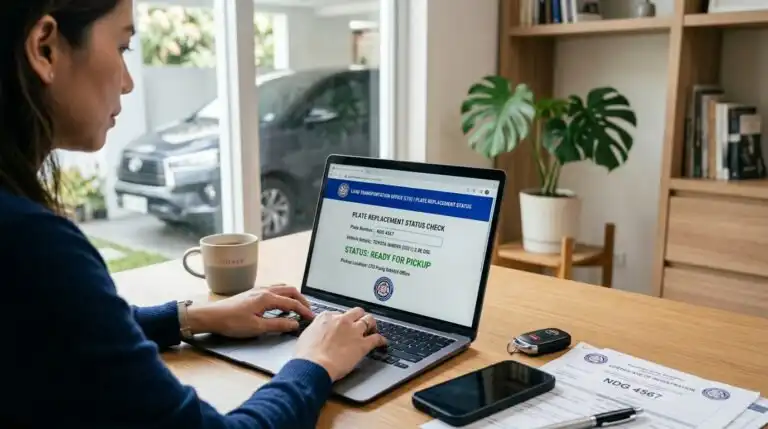
If you applied for New/Replacement Vehicle Plates at an LTO Office situated in NCR (National Capital Region), you can track your vehicle plates online at LTO-NCR Portal.
The LTO-NCR Portal provides online plate inquiry service for vehicle plates request submitted in LTO Offices in NCR region. You can track New Plates, Replacement Plates and Motorcycle Plates by using the links shared below.
Just click on the links given below and provide your Vehicle Plate Number or MV File Number to check your plate status instantly.
- New Number Plate Check Online: https://www.ltoncr.com/newplateinquiry
- Replacement Number Plate Check Online: https://www.ltoncr.com/rplateinquiry
- Motorcycle Number Plate Check Online: https://www.ltoncr.com/plateinquiryusingmvfile
[02] Use eGovPH Mobile App
The eGovPH is the official government mobile application that offers hundreds of digital services for common people. If the LTO Tracker is not working, you can use eGovPH App on your mobile to track your vehicle plates status.
[03] Visit LTO Office/Branch
When the LTO Tracker is not working and you want to know your plate status, you should visit an LTO Office. Use Maps or access LTO Portal to find your nearest LTO Branch and visit it to inquire about your vehicle plates.
Please visit the LTO Office on a working day during its operating hours so that you can get your plate status in just one visit. If your vehicle plates are ready, you can claim them and bring the plates home.
Please note, if you applied for new/replacement plates at a specific LTO branch, you need to visit the same branch to collect your plates.
In this way, you can use the alternative of LTO tracker to track status of your vehicle plates to know if the plates are ready or not.
Final Words:
All motorists are required to apply for new vehicle plates and replacement vehicle plates as per LTO Rules. Thereafter the LTO Authority takes several days/weeks to process the request for new/replacement plates based on the workload at each LTO branch.
During the waiting period, you can track your vehicle plates status online at LTO Tracker Portal. If the LTO Tracker is Not Working then you can make it work using the fixes I have shared above.
In case the LTO Tracker is still not working for you then try out the Alternatives of LTO Tracker such as eGovPH App, LTO-NCR Plate Inquiry Portal and Visit LTO Office in-person.
For more queries about LTO Tracker Not Working Issue, you can check the FAQs mentioned below or ask your query in the comment section.